A buyer in a display suite often wants to compare two homes, see the outlook from a specific floor or understand how a terrace connects to the living room. Decide which questions the digital experience should answer before you choose how it looks.
Use stills, tours and selectors for different decisions
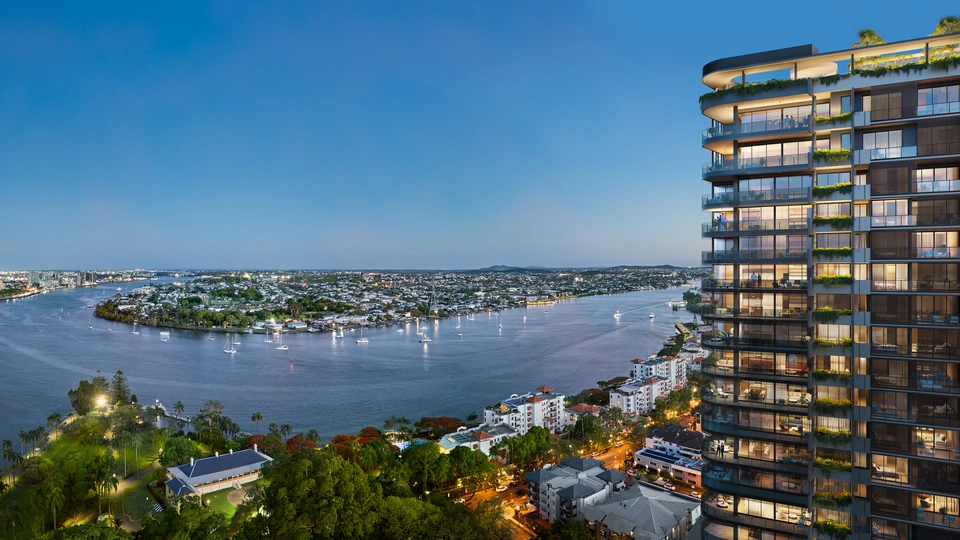
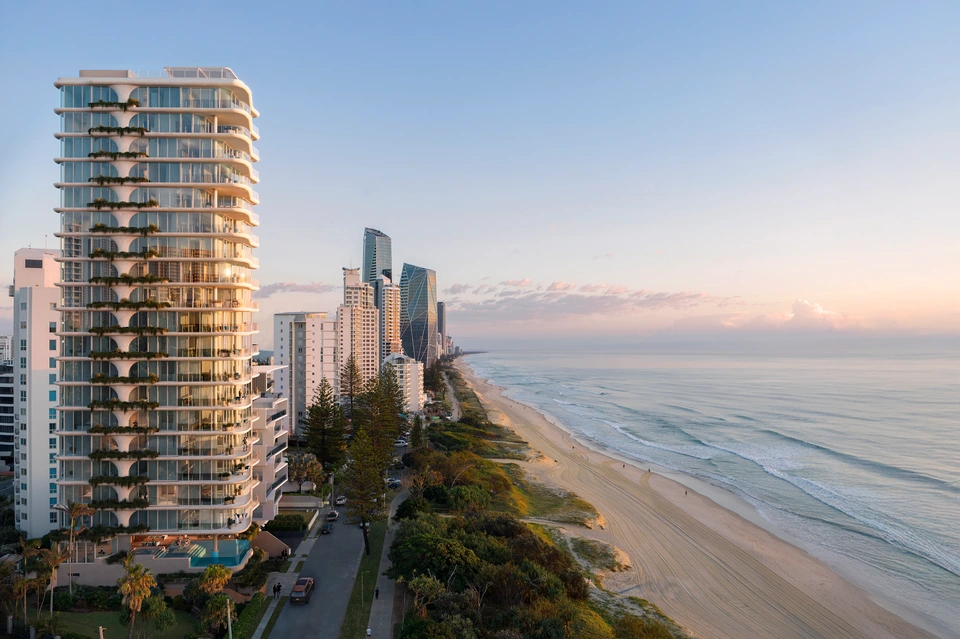
Stills introduce the architecture or an important material. A connected 360° tour helps someone look around a residence or move through an amenity. A residence selector adds a practical layer by connecting building, floor, residence type and plan. The tools can be commissioned together when their roles are clear.
Start with a short sales journey
Try the sequence your team would use with a buyer: introduce the site, open a level, compare two residences and show the intended view. Agree the labels with the sales team so the interface uses the same names as the schedule and brochure.
Prepare the data alongside the imagery
Collect reviewed floor plans, unit identifiers, orientation, view references and the detail the sales team is comfortable sharing. Choose who owns changes after launch and how availability or plan updates are approved. For a tour, agree the sequence and transition points before generating panoramas.
Test where the buyers will use it
Test touch targets on the actual tablet and make sure text is readable at display-suite distances. For a remote buyer, define what will load first over an ordinary connection and make the route back to a level or plan obvious.
Commission what the campaign can maintain
A good first release answers the most common sales questions and gives the team a clear path to updates. Test it with a representative sales conversation before expanding the number of screens or adding extra views.
Choose a tour, a selector or a short combination
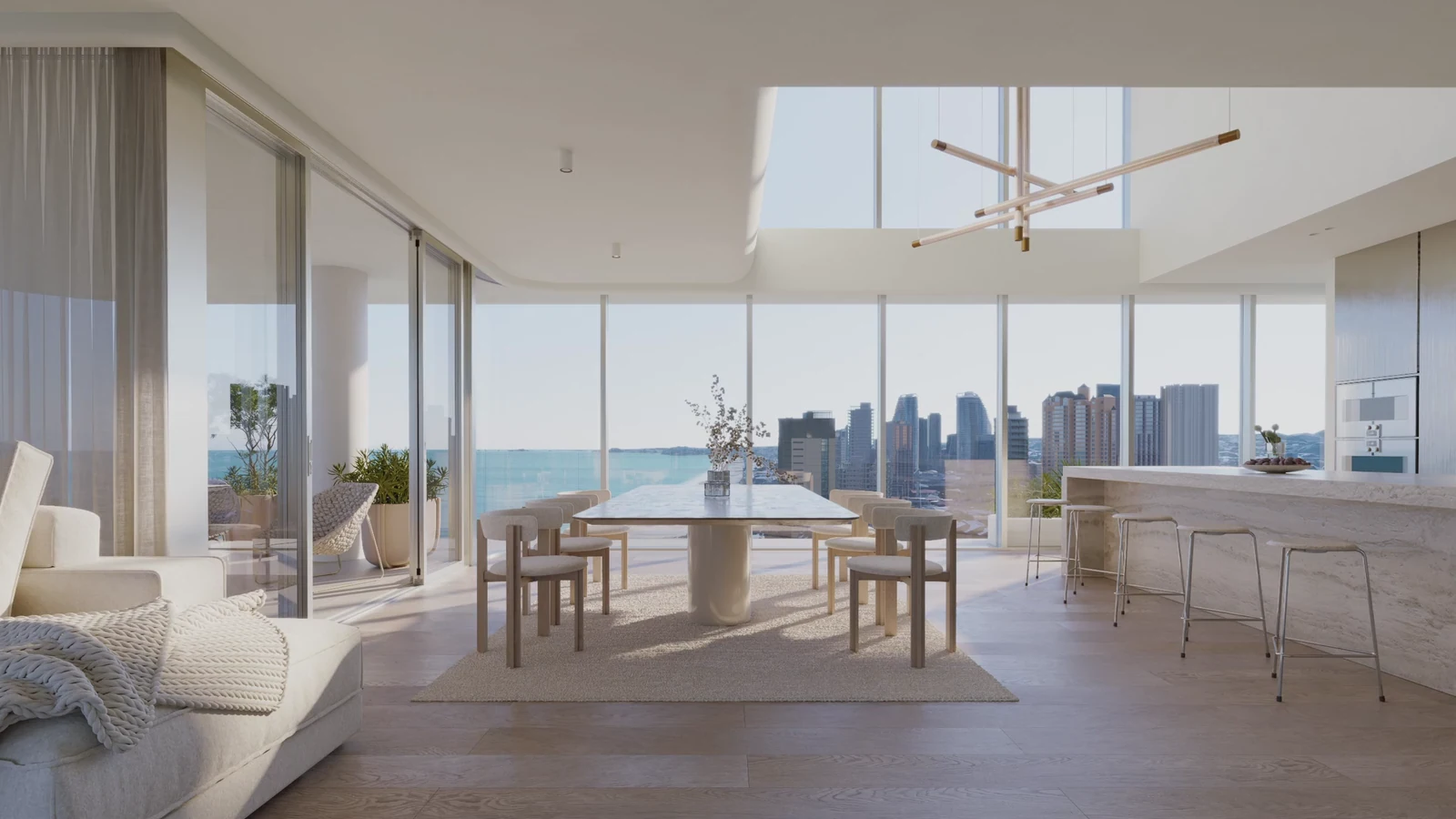
Start with a 360° tour when the buyer’s question is spatial, such as how the living room opens to a terrace. See the Solais wellness and tour chapter or the Broadbeach 360° tour chapter. Choose a selector when the sales team needs to compare homes by floor, orientation or plan.
- Test a real conversation: find a home from its identifier, check the plan and return to the tower without restarting the experience.
- Maintain one version of floor and outlook data across the interface, imagery and brochure. Assign an owner for changes after release.
- Prepare a light first view and a link to the floor plan for slower connections. Test the experience at the actual display-suite resolution and on a buyer’s phone.
Plan the interactive brief alongside the stills and film with the off-the-plan launch checklist.