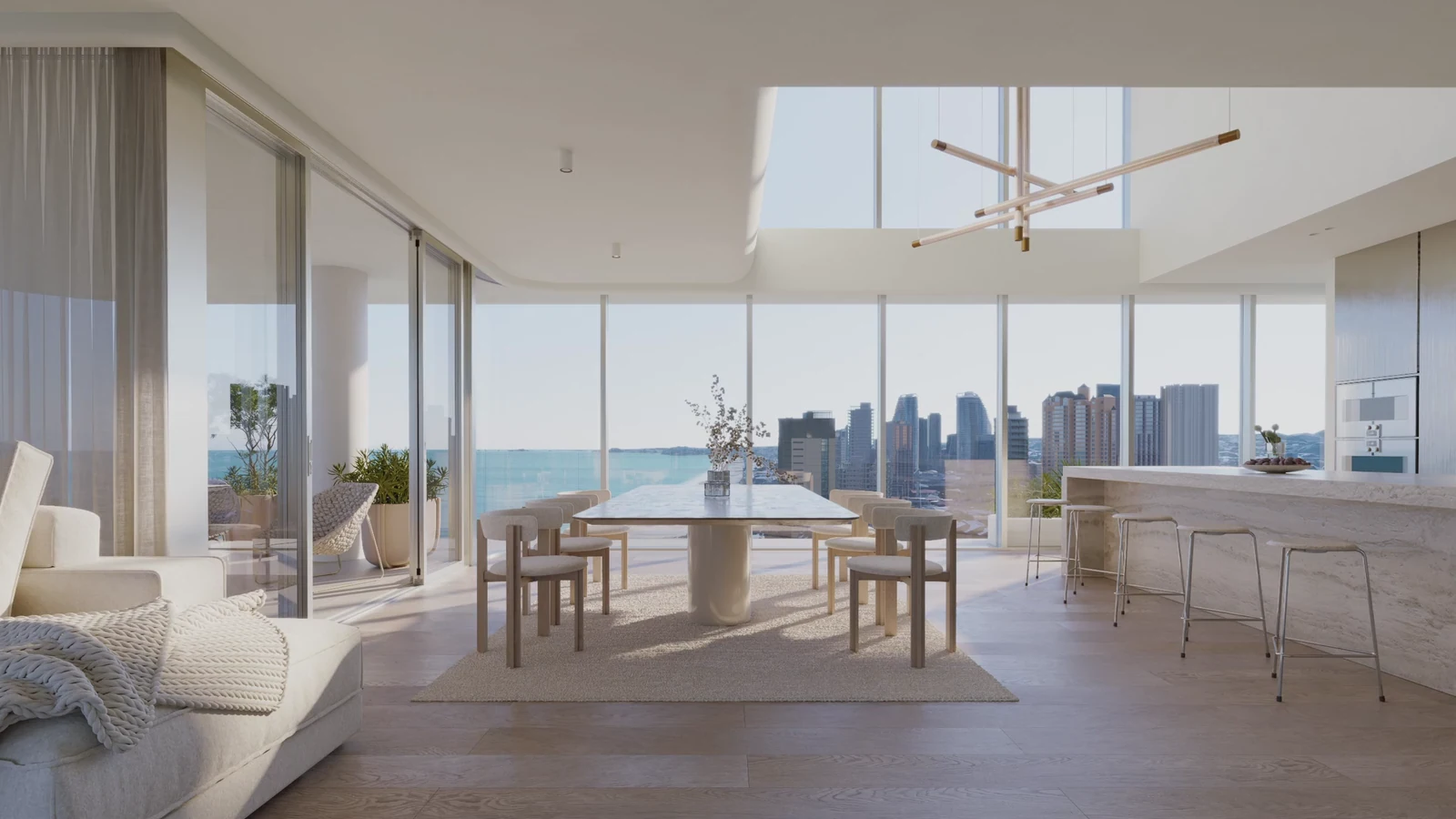
Start a waterfront CGI brief with a plan that shows the boundary, the shoreline or marina and the spaces that are public, shared or private. The same attractive light can serve different objectives. An arrival image explains access, while an outlook image explains what the home feels like at a particular level.
Confirm what belongs in the water view
Send orientation, site levels, recent reference photographs and the relevant waterfront drawings. Mark sea walls, public walkways, berths or neighbouring structures when they affect what the viewer can see. Ask the project team to review those relationships before the final lighting pass.
Use a terrace image to show how residents use the edge
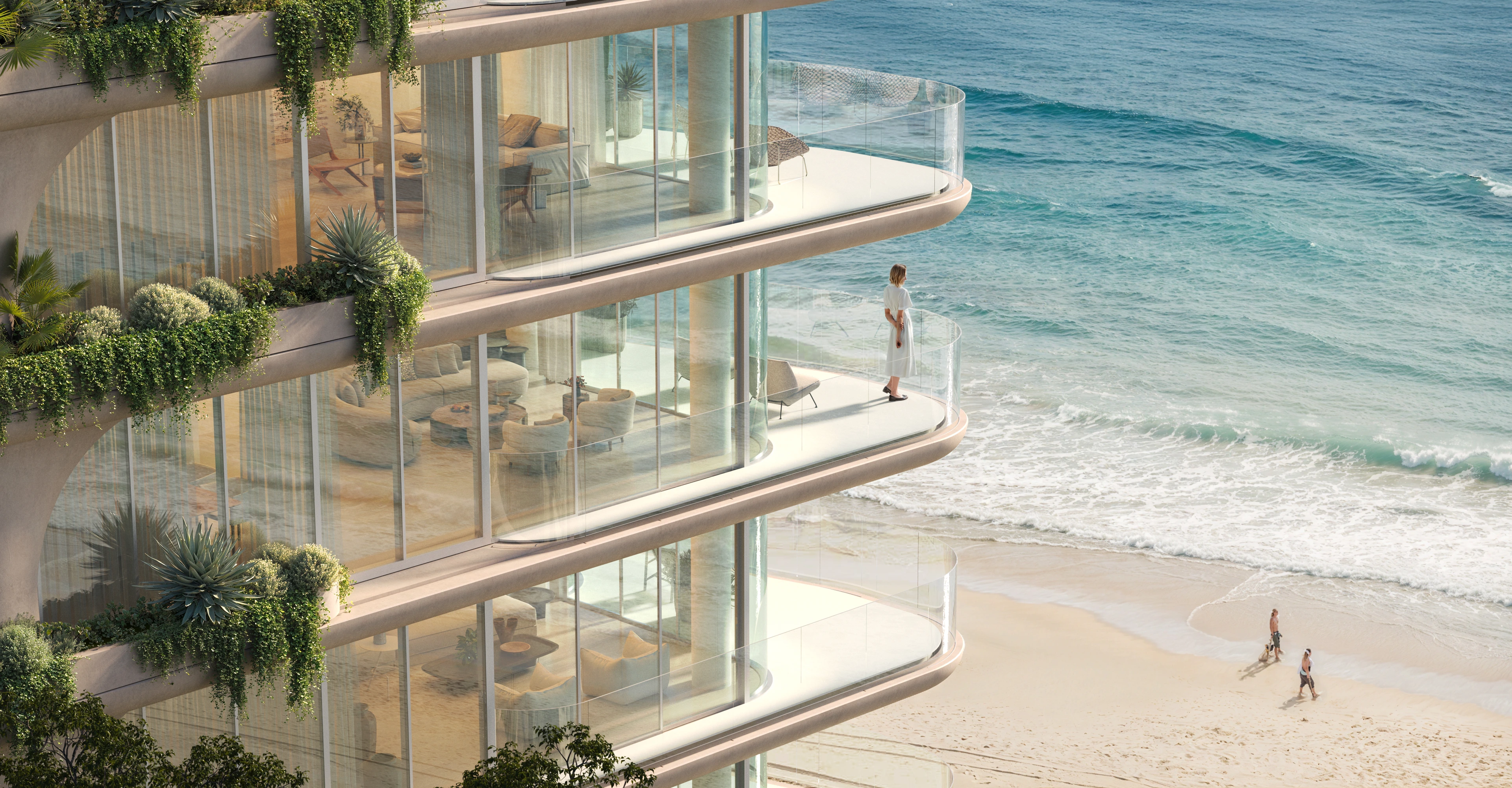
This illustration from No. 21 Broadbeach Boulevard on Australia’s Gold Coast shows how a terrace, planting and an open water view can share one frame. Agree on a similarly specific job for each waterfront view in your own Florida brief.
Collect the briefing essentials
- A surveyed viewpoint and a current model with floor heights.
- An approved landscape plan with species, height and screening where they affect the view.
- Separate deliverable rows for the site overview, terrace and home outlook, with a named approver for each.